Project Settings#
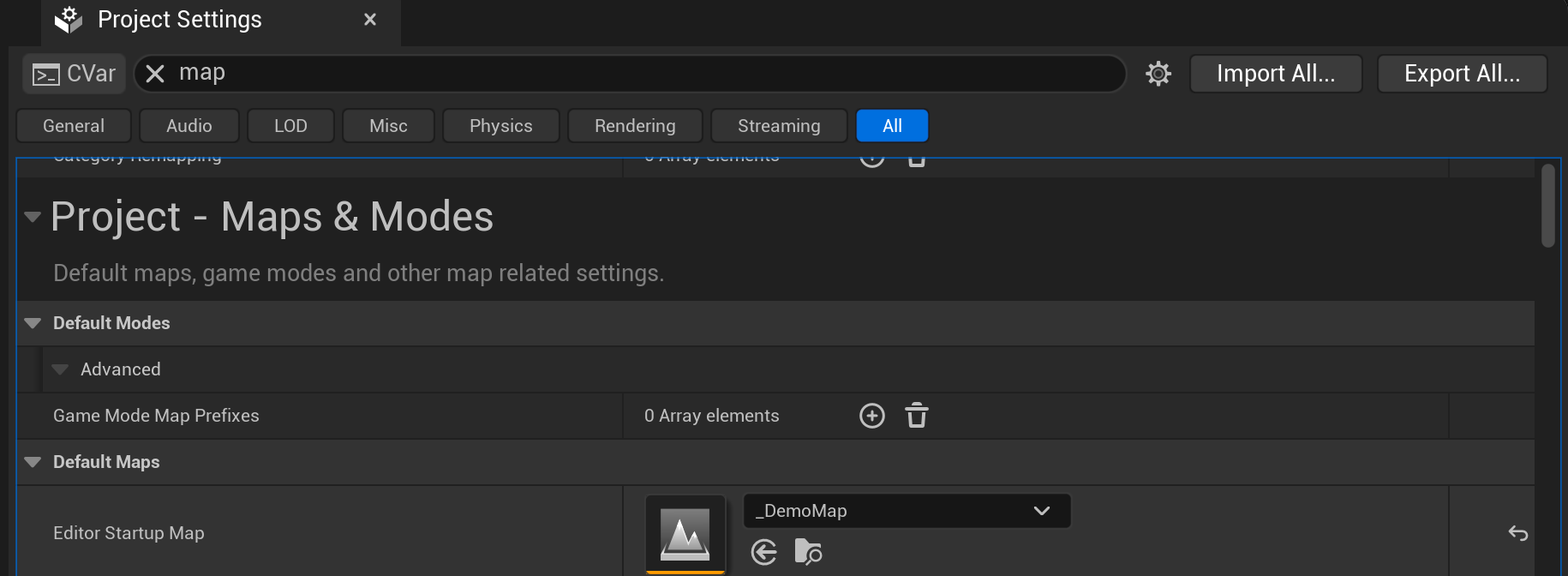
This area allows you to configure specific settings related to your .uproject. It can be found in the top menu Edit ▸ Projects Settings.
Tip
It’s in this window that you can change, for instance, the default Level to be loaded with your project!
There are 2 sub-categories related to Odyssey:
Odyssey - 2D Animation#
In this area, you can determine the name, color and symbol of the different Marks to be used on the Cells of your 2D animations (More information here).
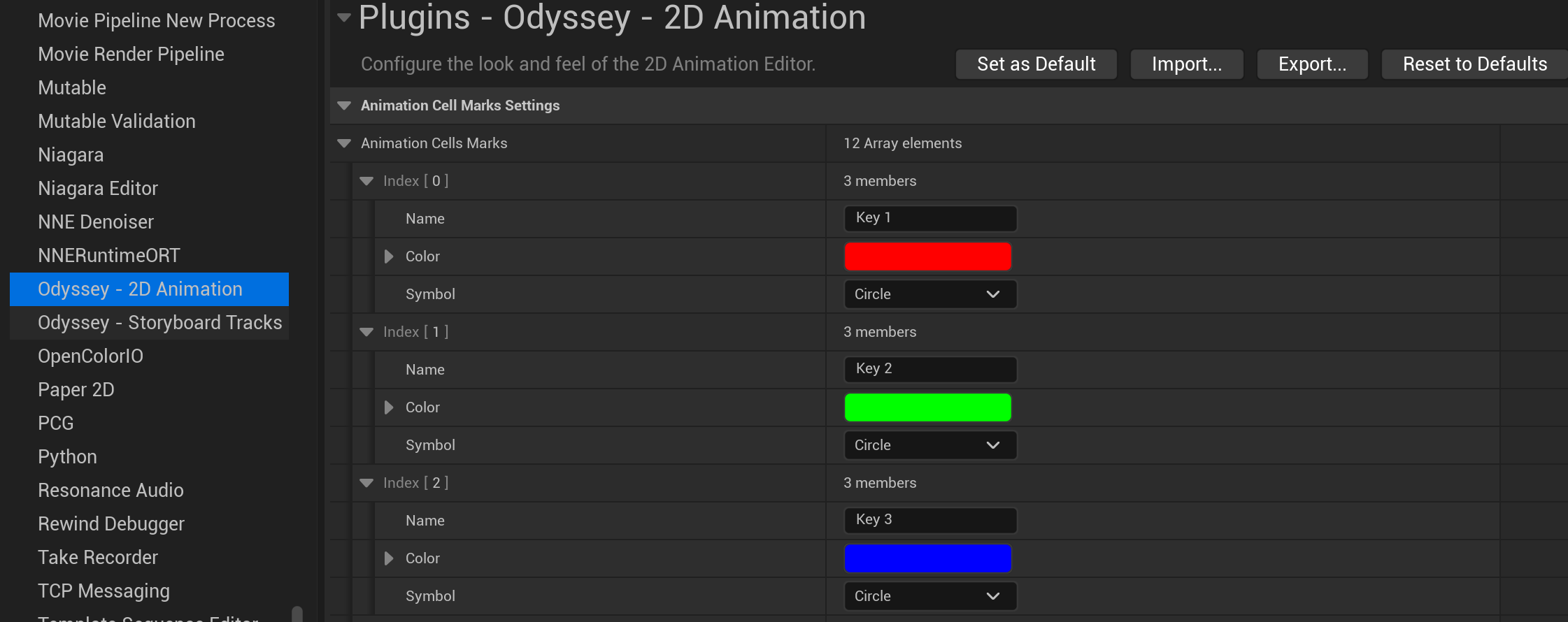
Marks are really useful as a visual language for your teams (key frames, breakdown, retakes, empty areas to be preserved, etc). You can customise until 12 marks.
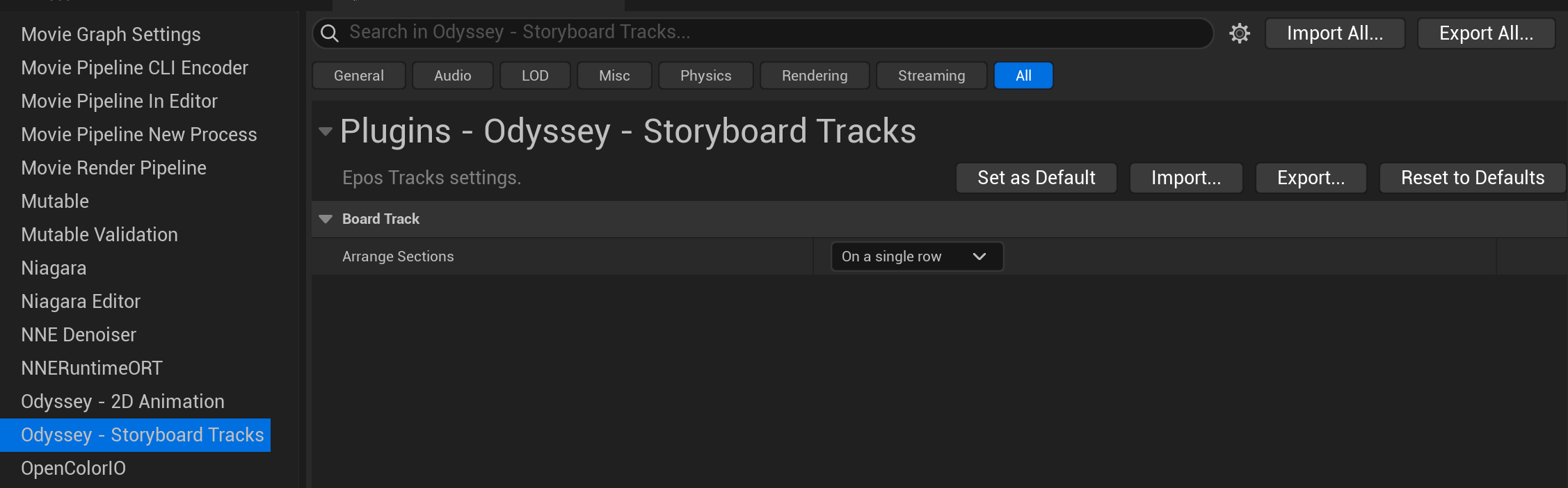
Odyssey - Storyboard Tracks#
This area determines the default stack mode for the Shot Sequences in the Board Sequence view.