
Movie Render Queue#
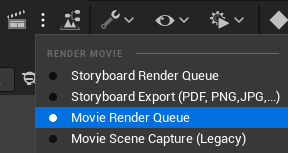
After selecting Movie Render Queue in the dropdown menu, click on the clapperboard icon in the Sequencer tool bar.
You will be displayed this panel.
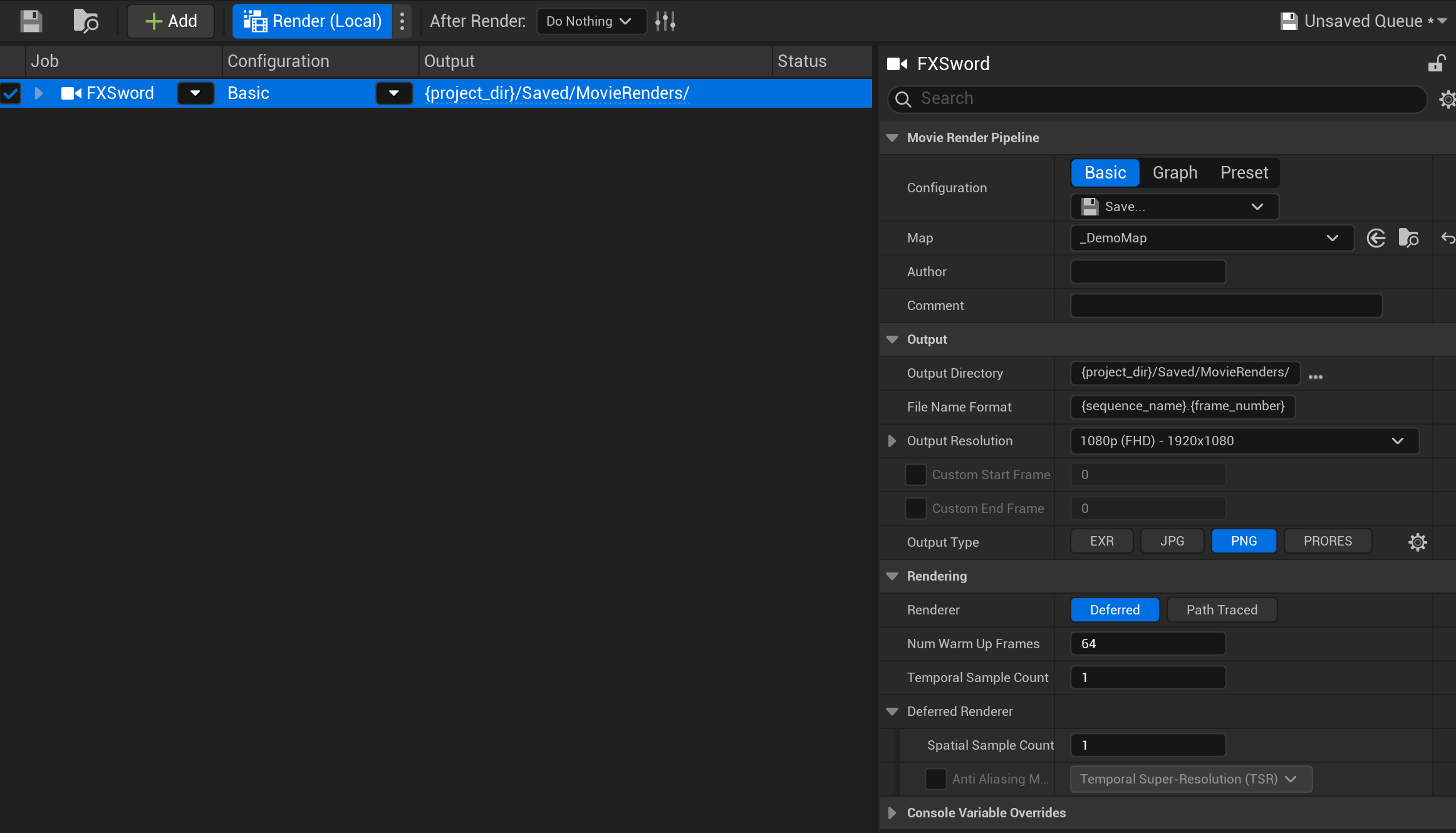
In the area on the right, you can choose the directory for the render (by default, it’s in a Saved folder at the root of your project folder), the size and format (image, video, etc).
Note
Unreal Engine won’t render videos with sound - if you enable a Wav rendering along with a Mov format, you will get 1 sound file and 1 soundless video.
Click then on the button “Render” at the top to render yourfile
If you need additional information, please read this documentation.